Smart lock installation on a standard door takes a screwdriver and some patience, provided the door already has a deadbolt that throws smoothly and holes that match the new lock. When the bolt drags, the door is thicker than usual or there is no deadbolt hole at all, the job turns into door work, and that part is worth paying a locksmith for.
Most of a good install happens before the lock goes on. Somebody has to check the backset, bore size and door thickness, see how the bolt meets the strike, and find out whether your Wi-Fi or hub actually reaches the front door. Apex Locksmith Pros installs smart locks around McKinney from $169+. When you call, we ask about the lock you have or plan to buy, so the quote fits your hardware. Below is the checklist we run and our plain answer on where DIY stops making sense. Retrofit versus full replacement gets its own section, because it changes the job more than people expect.
Need it handled today? Smart Lock Installation from a licensed mobile locksmith in McKinney and nearby cities.
In this guide (6 sections)
What does a pro check before installing a smart lock?
We measure the door before the new lock comes out of the box. Most bad installs go wrong at this step, long before anyone opens the app.
- Backset: the distance from the door edge to the center of the deadbolt hole. Residential doors almost always use 2-3/8 or 2-3/4 inches, and most smart deadbolts adjust to both.
- Bore size: the large face hole should be 2-1/8 inches and the edge hole 1 inch. Some older doors were drilled smaller and need opening up.
- Door thickness: many smart deadbolts fit doors about 1-3/8 to 1-3/4 inches thick. A thicker custom door may need an extension kit, so read the box.
- Bolt alignment: the bolt should slide into the strike without rubbing the top or bottom of the opening.
- Bolt throw: the bolt has to extend all the way into a strike pocket deep enough to take it. If the pocket is shallow, the motor stops short and the lock reports a jam.
- Signal: close the door, stand outside with your phone and see whether your Wi-Fi or hub connection holds there.
Pass all six and it is usually a straightforward install. Fail one or two and you know where the real work is, ideally before you have bought anything.
Retrofit smart lock or full replacement: which kind do you have?
Smart locks come in two broad builds, and which one you bought changes the whole job.
Retrofit models keep your existing deadbolt. The August Wi-Fi Smart Lock replaces only the inside thumbturn, so the outside cylinder and your keys stay as they are. Level hides its motor inside the door's bore instead, and the lock looks like ordinary hardware from both sides. A retrofit makes sense when the exterior hardware has to match the rest of the house, or when you would rather keep the keys already on your ring.
Full replacement models take out the whole deadbolt, inside and out. Schlage Encode, Kwikset Halo and the Yale Assure Lock 2 family are built this way, with a keypad or touchscreen outside, a motor and battery pack inside, and a new bolt and strike. You get keypad entry and guest codes. Your old keys stop working on that door, though, unless the new cylinder is keyed to match. Many Kwikset keyed models use SmartKey, which lets the cylinder be rekeyed to match your other Kwikset locks.
Aqara is its own case. Its locks lean on the Aqara hub ecosystem, newer models support Matter, and the lineup has both styles, so check whether the model you pick replaces the deadbolt or mounts over the one you have. Of the two, a retrofit is the gentler install. A full replacement touches more of the door, which makes the alignment checks matter even more.
Want the lock fitted and the door checked in one visit? Call for a flat price before anyone drives out.
Wi-Fi, Matter, Thread or Zigbee: will it connect at your door?
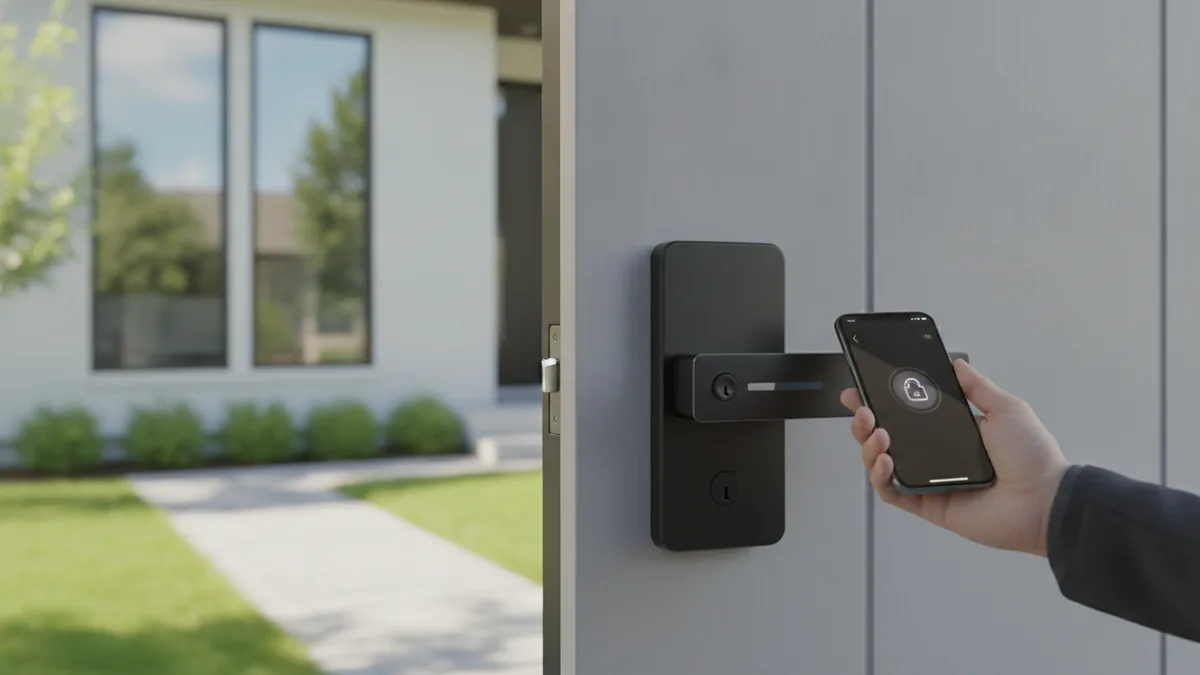
Connectivity is the step people skip, and then the app says offline on day two. Wi-Fi locks like the Schlage Encode and Kwikset Halo lines connect straight to your router, no hub needed. You pay for that in battery life, because a Wi-Fi radio draws more power than the low energy options do.
Zigbee and Z-Wave locks talk to a hub, such as a smart home controller or an Aqara hub, and the hub talks to your network. Thread locks, including many Matter models, need a Thread border router. Several recent smart speakers and streaming boxes from Apple, Google and Amazon can do that job, but confirm yours does before you buy. Bluetooth only locks work from your phone while you stand near the door, and they need a bridge for anything remote.
Range decides it. Picture a two story home in Craig Ranch with the router upstairs at the back and the front door set in a brick wall. The living room can have a strong signal while the entry barely has one. Take your phone out to the porch and check. If a video call stutters there, add a mesh node or a hub closer to the entry first. Sorting it out after the lock is on just means more troubleshooting.
When is DIY smart lock installation fine?
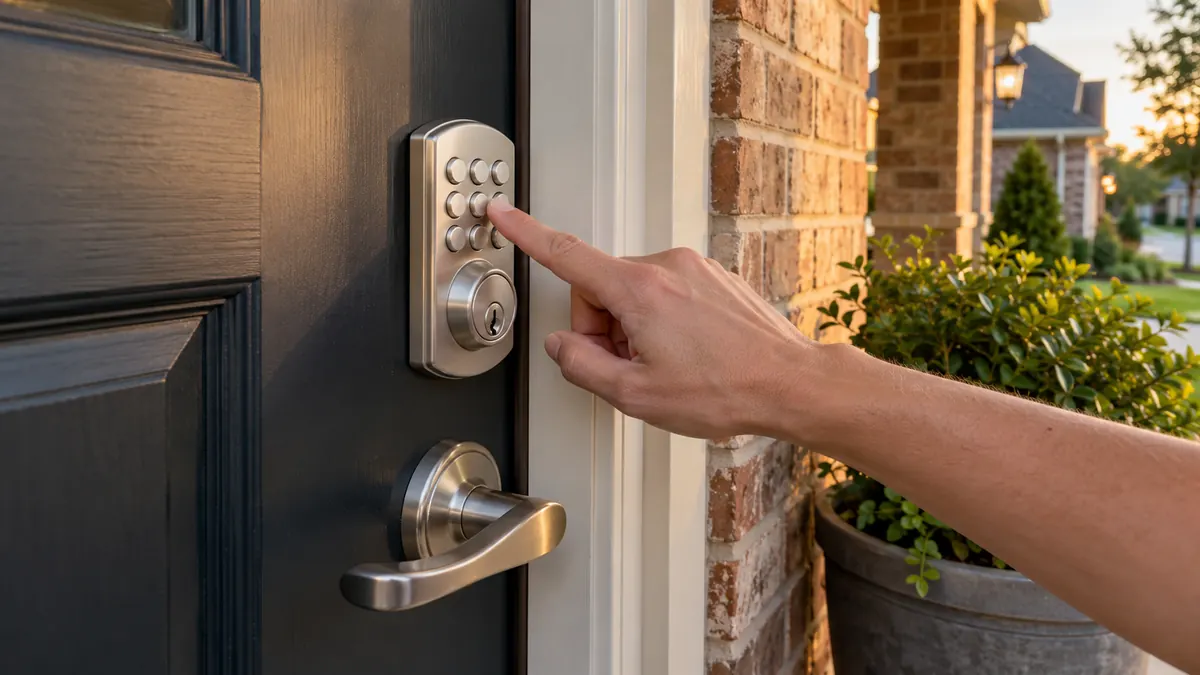
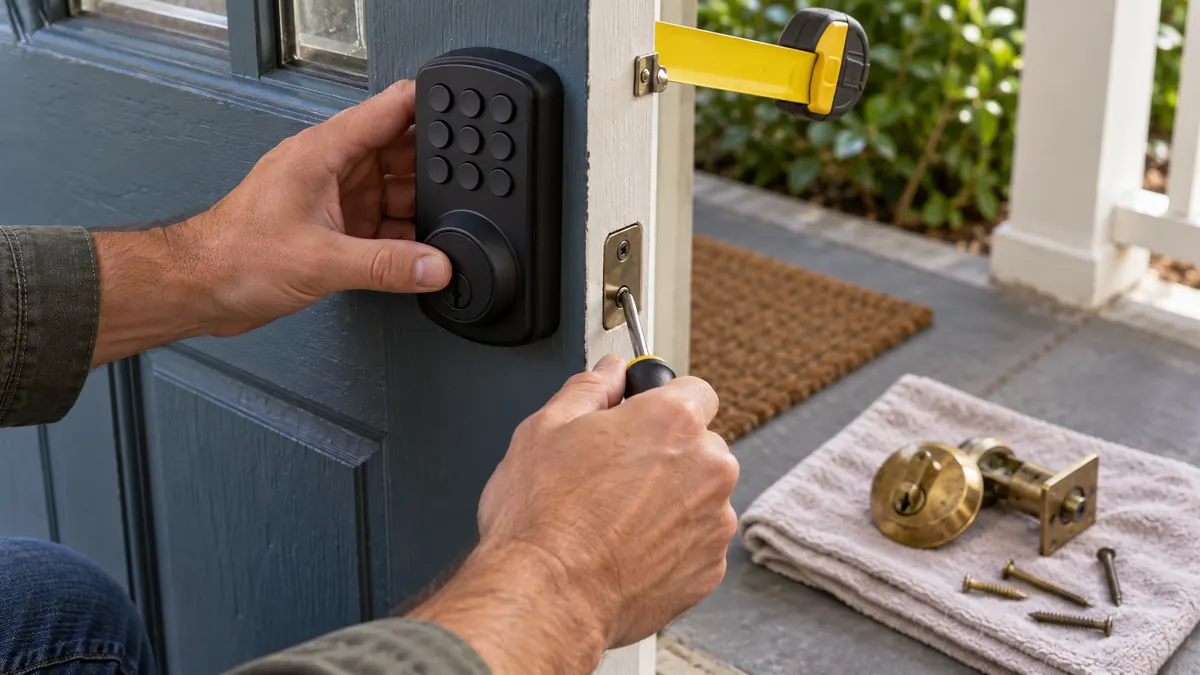
DIY is a fair call when the door already has a deadbolt, the holes match standard sizes, and with the door closed the bolt throws with one finger on the thumbturn. On a door like that, a retrofit needs a screwdriver and the maker's app. A full replacement adds a few more screws and a careful cable route through the bore.
A few habits keep a DIY job clean:
- Do the handing or calibration step. Most smart deadbolts need to learn which side the door hinges on, and if you skip it the motor turns the wrong way.
- Route the cable the way the instructions show, usually under the bolt, and don't let the mounting plate pinch it.
- Tighten the mounting screws snug, not hard. Overtightening squeezes the bolt housing and makes it drag.
- Test with the door open first, then closed, then from the keypad and the app.
- Put the setup card and any master code from the box somewhere safe.
If it all works and the bolt runs smoothly with the door shut, you saved yourself the call. A lock that jams only when the door is closed is telling you about the door, and swapping in a different lock won't change that.
When a binding bolt means door work instead of a new lock
A deadbolt that drags only when the door is closed points to alignment. North Texas clay soil moves foundations with the seasons and the doors move with them, so a strike that lined up in spring can rub by late summer. Newer builds in Prosper, Celina and Anna settle too. A motor has far less torque than your wrist. Friction you barely notice with a key will stall a smart lock, run down its batteries and wear its gears.
None of the fixes are exotic. A locksmith can shift or file the strike opening, deepen the strike pocket so the bolt fully extends, swap short hinge screws so the door stops sagging, and fit a reinforced strike plate with 3-inch screws into the framing. Sometimes the face bore needs opening to 2-1/8 inches, or the edge bore needs cleaning so the bolt runs straight.
This is the part worth hiring out. Apex Locksmith Pros starts smart lock installation from $169+. When you call, we ask about the door, the lock you own or plan to buy and any sticking you have noticed, so the flat total covers what the door actually needs. A door with no deadbolt hole at all needs new prep, which falls under lock installation and is quoted on the call. There is no call-out fee either way.
Want the lock fitted and the door checked in one visit? Call for a flat price before anyone drives out.
Batteries, backup keys and what happens when the lock dies
Most smart deadbolts run on AA batteries and warn you through the app, the keypad or both well before they quit. We would treat the first low battery alert as a deadline. Use the battery type the manual names, since some makers advise against rechargeables. If your entry faces west and takes the afternoon sun, check the operating temperature range on the box too. A Texas August can bake an exterior keypad.
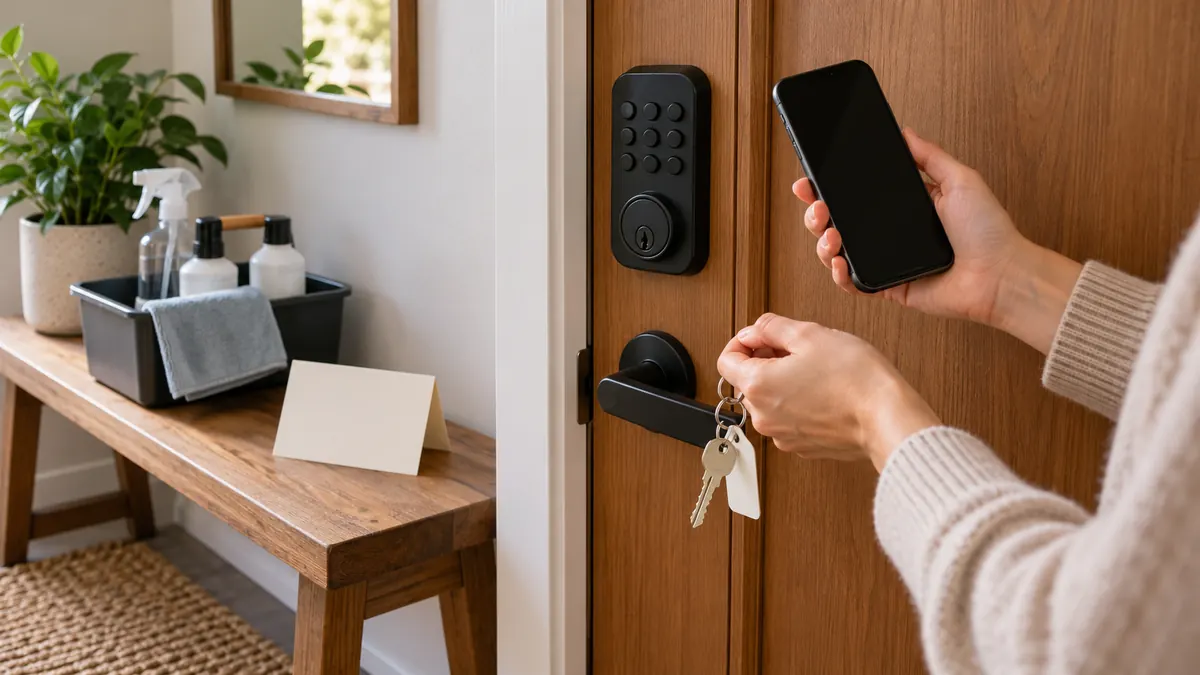
If the batteries die anyway, you still have ways in. Models with a keyed cylinder open with the key. Many keyless keypad models have emergency power contacts, often a 9-volt touch point or a USB-C port, that wake the lock long enough to enter a code. Learn which one yours has on install day. Standing on the porch with groceries in both hands is a bad time to find out.
Keep a mechanical backup unless you are sure you won't need it. Going keyless on a door you rarely use is low risk, but on the only way into the house it is a bet on batteries. If the new lock has a cylinder, ask about keying it to match your other doors while the tech is there. Rekeying runs from $35+ per cylinder, and one key for the whole house beats a ring of three.
Key takeaways
- Most smart deadbolts expect standard door prep: a 2-1/8 inch face bore, a 1 inch edge bore and a 2-3/8 or 2-3/4 inch backset.
- If you have to push, pull or lift the door to throw the deadbolt by hand, a motor will struggle with it too. Fix the binding first.
- August and Level are retrofits that keep your existing deadbolt and keys. Schlage Encode, Kwikset Halo and Yale Assure replace the whole deadbolt.
- Wi-Fi locks connect straight to the router. Zigbee, Z-Wave and Thread locks need a hub or border router, plus a solid signal at the door.
- Apex Locksmith Pros installs smart locks from $169+, and the call covers your door and hardware so the flat total is set before dispatch.