A smart lock is a good fit for most rentals, because it lets you hand out and cancel access without handing out keys. For a long-term rental, a short-term stay or a duplex you manage yourself, the useful features are a separate code for each guest or tenant, remote access from your phone, an entry log, and a keyed cylinder for the day the batteries or the app let you down.
What the lock can't do is replace the boring parts of turnover: deleting old codes, checking the backup key and making sure the deadbolt still throws cleanly. Apex Locksmith Pros installs smart locks around McKinney, Allen, Frisco and Plano from $169+, and we set them up for the way a rental actually gets used. Below is what to configure, what to check between guests, and when a plain rekey still makes more sense.
Need it handled today? Smart Lock Installation from a licensed mobile locksmith in McKinney and nearby cities.
In this guide (6 sections)
Are smart locks a good idea for rental properties?
For most rentals, yes. The biggest cost of running keys is not the key itself, it's the uncertainty. A tenant moves out with two copies and returns one. A cleaner keeps a spare in the truck. A contractor borrows the lockbox code and tells a coworker. With a keyed lock, the fix for every one of those is a rekey.
A smart lock turns that into a code you delete. That's why hosts with short-term stays like them most: guests change every few days, and nobody wants to rekey that often. Long-term landlords get a smaller benefit, but it's still real, especially when maintenance visits are frequent.
There are cases where we'd say skip it. A unit with no reliable power for the hub, a tenant who has made it clear they don't want an app-controlled door, or a door that already binds and needs work first. In those cases a solid keyed deadbolt and a rekey at turnover is the cleaner answer.
Guest codes and remote access: what to set up
Set up the lock the way you'd want to explain it to a guest at 10 PM. That means one code per person, and nobody sharing.
- Owner or property manager: your own admin account and a code that never goes to anyone else.
- Tenant or guest: a code that starts at check-in and, for short stays, ends at checkout. Many locks can schedule this from the app.
- Cleaners and maintenance: separate codes, limited to the days and hours they actually work, where the lock supports schedules.
- Emergency access: one code written down somewhere safe, off the property.
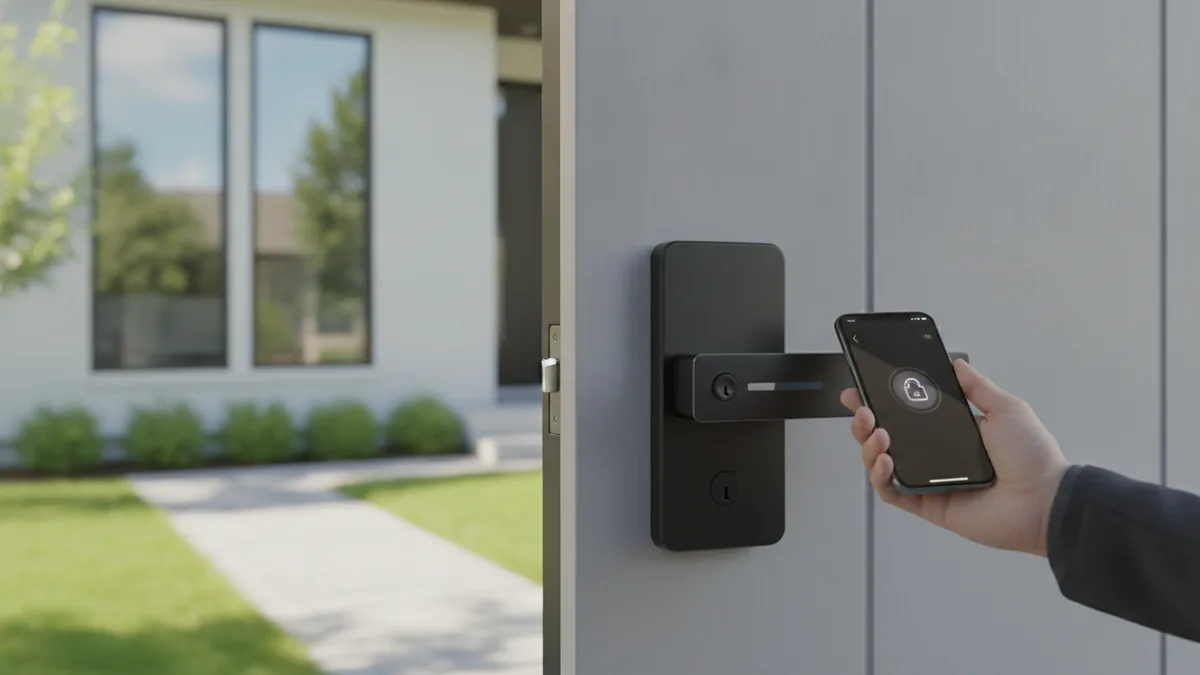
Remote access matters most when something goes wrong. A guest who can't get in calls you, and you can unlock from your phone instead of driving over. For that to work, the lock needs a connection that reaches the door: built-in Wi-Fi, or a hub or bridge close enough to the front door. Check the signal at the door itself, not in the living room, before you count on it.
Want the lock fitted and the door checked in one visit? Call for a flat price before anyone drives out.
Audit logs: knowing who came in and when
Most connected smart locks keep a log of which code opened the door and when. For a rental, that log settles a lot of arguments before they start.
Did the cleaner come before the 3 PM check-in? The log shows it. Did the plumber actually show up for the appointment you paid for? Same answer. When a guest says the code didn't work, the log shows failed attempts too, which usually points to a mistyped code rather than a broken lock.
A few practical notes. The log is only useful if each person has their own code, which is one more reason not to share a single code with everyone. Logs live in the lock maker's app, so read the privacy terms and tell tenants the lock records entries; long-term tenants in particular should know. And if the lock loses its connection, entries may only sync once it reconnects, so a gap in the log isn't proof nobody came in.
Why a rental smart lock still needs a mechanical backup key
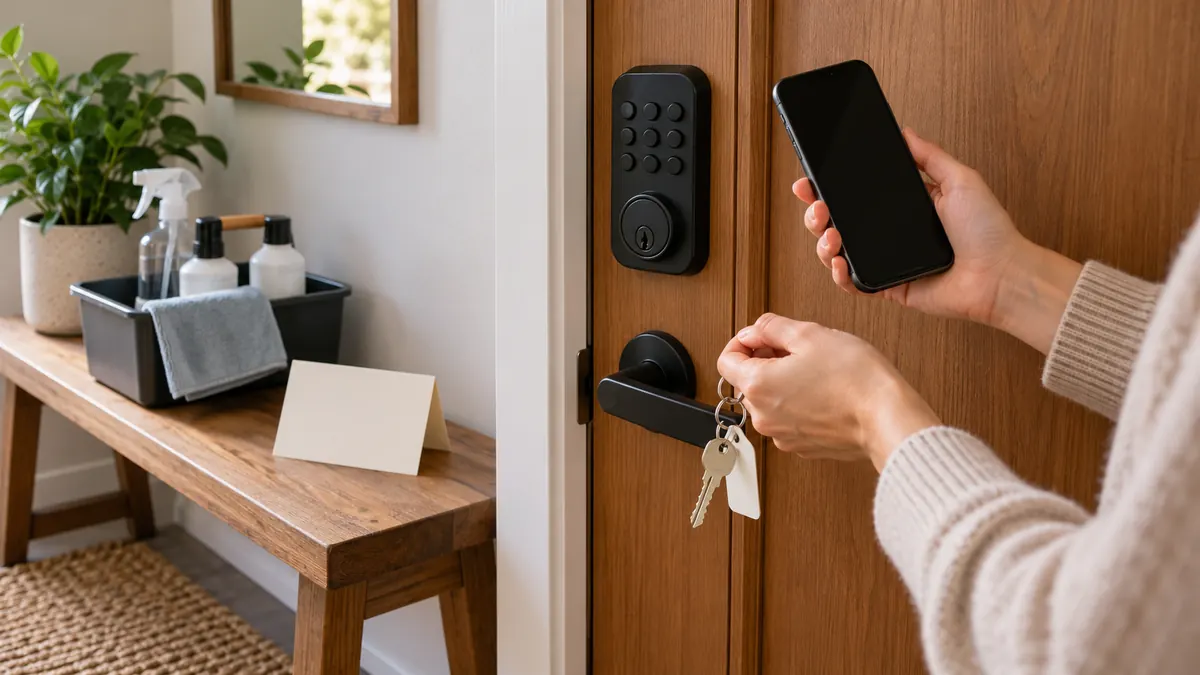
Batteries die. Apps change. Hubs get unplugged by a guest who needed the outlet. On a rental, any of those can leave a tenant locked out at a time you can't drive over, so we recommend a smart deadbolt with a keyed cylinder as the backup.
That key is now the most important key on the property, which means it needs the same care as a master key. Keep it with you or a trusted manager, not in a lockbox at the door, where the code tends to travel. If a backup key ever goes missing, or a past tenant had one, rekey the cylinder. The smart side of the lock keeps working the whole time.
The backup also matters for the lock itself. A keyed override lets you get in and change batteries on a lock that has gone fully dead, instead of calling for a lockout. For a lock that runs on AA batteries, replacing them at every turnover is cheap insurance.
A turnover routine between guests and tenants
A smart lock saves time at turnover only if turnover has a routine. Here's the one we suggest to hosts and landlords:
- Delete the outgoing guest or tenant's code, and confirm in the app that it's gone.
- Scroll the entry log for the stay and look for anything odd, like late entries or a code you don't recognize.
- Check the battery level, and replace batteries if they're anywhere near low.
- Lock and unlock the door from the keypad, the app and the backup key, with the door open first and then closed.
- Make sure the deadbolt throws fully without lifting or pushing the door.
- Create the next code with its start and end date.
Step 5 is the one people skip. A deadbolt that drags makes the motor work harder, drains batteries faster and eventually jams. Houses here move with the seasons, and a strike plate that lined up in spring can rub by late summer. If the bolt drags, fix the strike or the door before blaming the lock.
For long-term rentals, check the current Texas Property Code on rekeying between tenants. A new code is not always the same thing as a rekey, and the keyed backup cylinder is still a key.
Want the lock fitted and the door checked in one visit? Call for a flat price before anyone drives out.
What we check when installing a rental smart lock
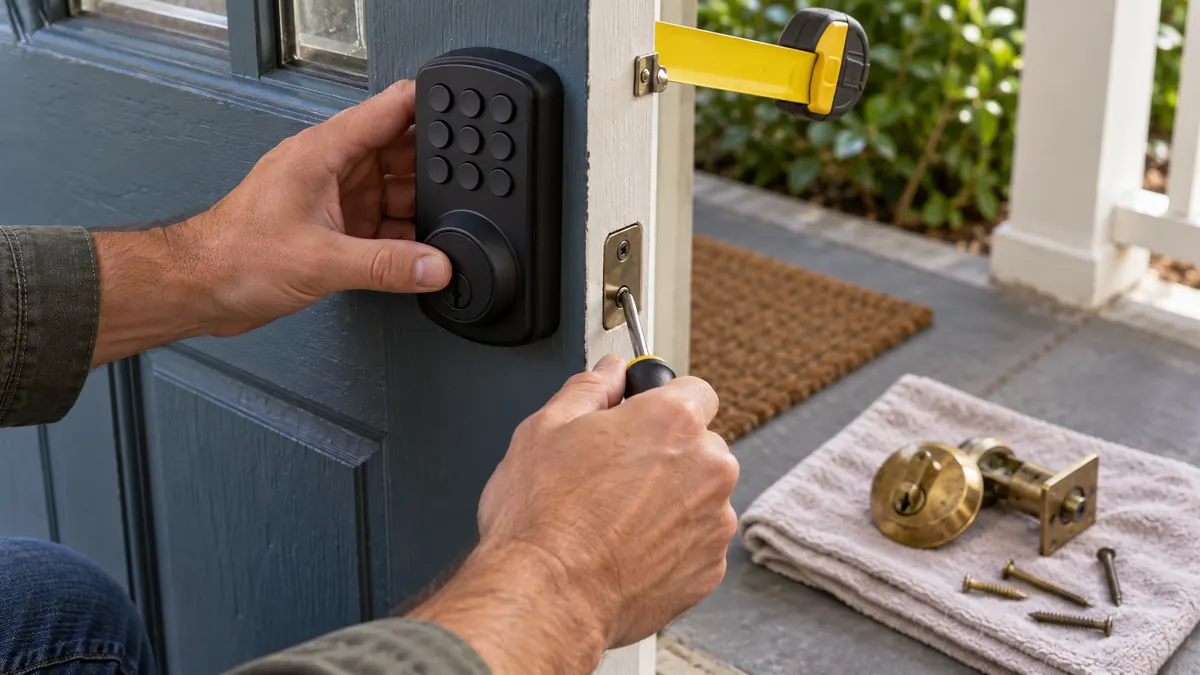
When we install a smart lock on a rental, most of the visit is the door, not the gadget. We measure the backset, bore and door thickness, check that the deadbolt throws cleanly, and adjust or reinforce the strike plate with long screws into the frame if it needs it. A lock fitted to a door that binds will cost you batteries and service calls for as long as it's there.
Then we check the parts that matter for a rental: that the keyed backup works, that the signal reaches the door, and that the owner account is set up in your name, not the installer's. We'll walk you through creating the first guest code before we leave.
Smart lock installation from Apex Locksmith Pros starts from $169+, and the flat total is quoted on the phone before dispatch once we know the lock and the door. If you'd rather keep keyed locks and rekey at turnover, rekeying starts from $35+ per cylinder. Either way, the dispatcher can talk it through on the call.
Key takeaways
- Give every tenant, guest, cleaner and contractor their own code, so you can cancel one person without changing access for everyone else.
- Remote access and an entry log answer the two questions hosts get most: did the guest get in, and when did the cleaner leave.
- Pick a smart deadbolt with a keyed backup cylinder, and keep that key under your own control, not in a lockbox at the door.
- Turnover is still a checklist: delete old codes, confirm the log, test the backup key and replace batteries before they warn you.
- Texas has its own rules for rental security devices and rekeying between tenants, so check the current Property Code before you rely on codes alone.