Smart locks are usually worth it for homes that share access often, such as rentals, busy families or a household with a dog walker or cleaner: codes replace copied keys, you can delete a code whenever you need to, and auto-lock covers the door left unlocked.
For someone who lives alone with a solid keyed deadbolt, a rekey or a quality mechanical lock often does the same job for less. A smart lock is still a deadbolt with a motor, so the strike plate, the frame and the door's alignment decide how well it holds. Apex Locksmith Pros installs smart locks around McKinney, Plano, Frisco and Allen from $169+ and checks deadbolt alignment and the strike plate as part of the job. Below are the honest pros, the cons and the buying checks that keep you from overpaying.
Need it handled today? Smart Lock Installation from a licensed mobile locksmith in McKinney and nearby cities.
In this guide (6 sections)
What a smart lock changes (and what it doesn't)
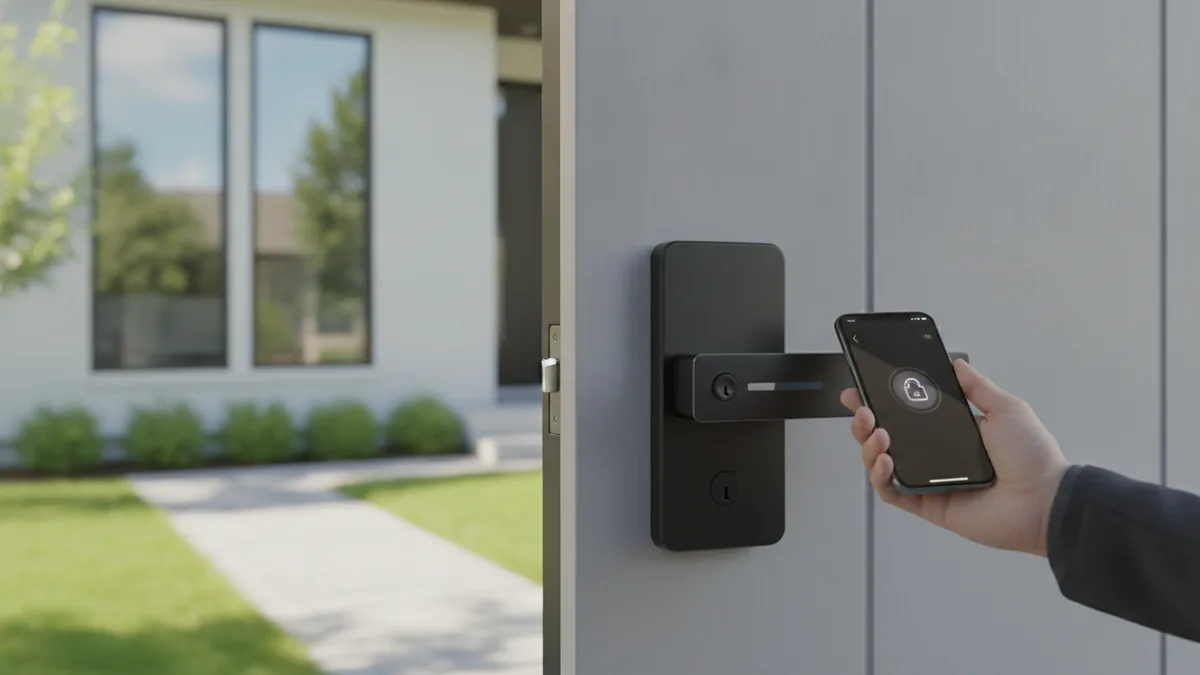
A smart lock swaps your key for a keypad code, a phone, or both. You get unique codes for the dog walker, the cleaner, or a kid who keeps losing keys, and you can delete a code the second you need to. You also get a log of who came and went, plus auto-lock so the door isn't left open when you rush out.
What doesn't change is the part that matters most for security: the deadbolt throw, the strike plate, and the door frame. A smart lock is still a deadbolt with a motor and a brain attached. If your frame is soft pine and the strike is held by two short screws, the lock's electronics won't stop a kick. Smart features are about convenience and control, not raw forced-entry resistance.
The honest pros
No more hidden key under the mat, which is the first place anyone looks. You hand out codes instead of copies, so you're never wondering who still has a key after a roommate or contractor moves on. Auto-lock covers the most common mistake people make, walking off with the door unlocked.
For short-term rentals and busy households around Frisco, Allen, and Prosper, that control is genuinely useful. You can let a guest in remotely, get a notification when the door opens, and rotate codes between bookings without ever driving over. If you've got mobility issues or full hands of groceries, keypad or auto-unlock entry is a real quality-of-life win.
The honest cons
Batteries die, usually at the worst time. Good locks warn you for weeks first, and most keep a physical key override or let you jump them with a 9V battery at the keypad, but you have to keep up with it. Wi-Fi models can drop offline, app updates can get clunky, and bargain big-box locks tend to feel rattly and fail sooner.
There's also a security tradeoff people skip past. A keypad can show wear patterns on the four numbers you use, and any internet-connected device is one more thing to keep patched. None of that is a dealbreaker, but a no-name marketplace lock is not the same product as a Schlage or Kwikset unit with support and parts you can get.
Which homes they're worth it for
Smart locks are worth it if you share access often, manage a rental, have kids or aging parents coming and going, or you've already rekeyed twice this year because keys keep walking off. The convenience pays for itself fast in those situations.
They're less worth it if you live alone, rarely give out access, and already have a solid keyed deadbolt you trust. In that case a simple rekey or a quality mechanical deadbolt does the job for less money and nothing to charge. And if you want serious pick and bump resistance, that's a high-security cylinder conversation (think Medeco or Mul-T-Lock), which is a different upgrade than going smart.
How to pick one without overpaying
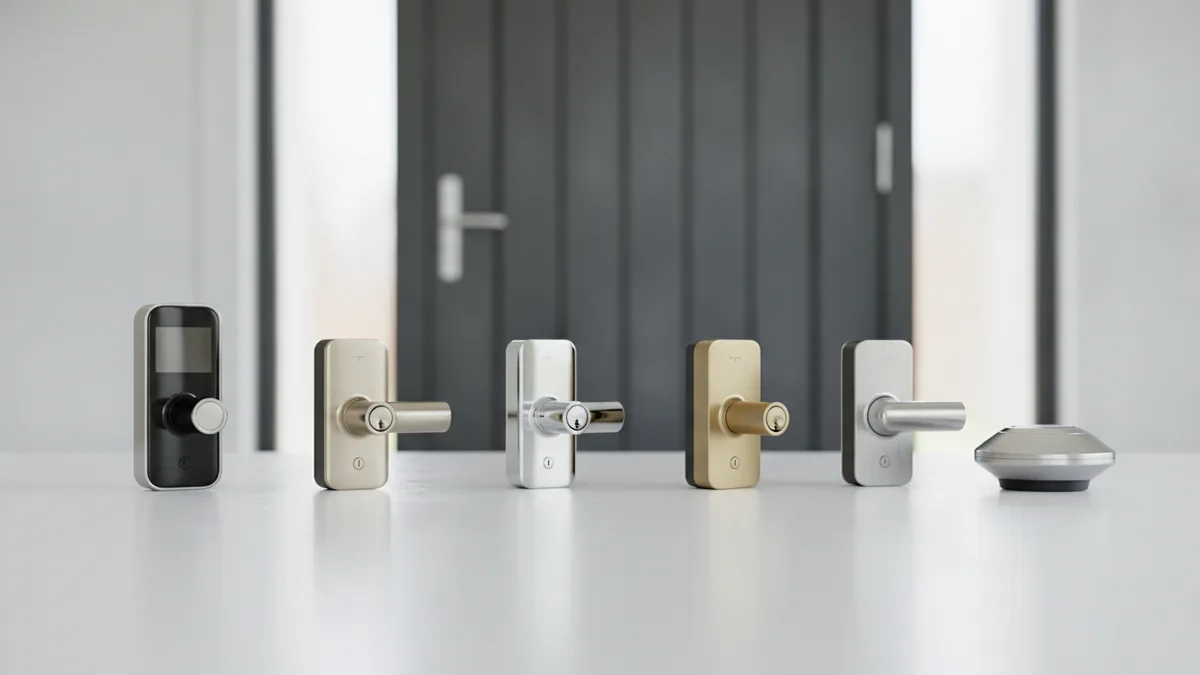
Match the platform to your phone and home first. Apple Home, Google, Amazon, or Matter compatibility decides how smoothly it'll work, so pick that before you pick a brand. Then choose your unlock method honestly: keypad-only is the most reliable, phone-and-keypad is the sweet spot, and fingerprint readers are nice but the first part to wear out.
Stick with names that have parts and support, like Schlage and Kwikset for most homes. Check whether you want a keyed backup or a fully keyless model, and confirm it fits a standard 2-1/8 inch bore and your door thickness. Steps to vet a lock: 1) confirm smart-home compatibility, 2) confirm backup power and key override, 3) check that the maker still ships firmware updates, 4) measure your door, 5) check that the deadbolt and strike are rated, not just the gadget.
The install detail nobody mentions
Here's where most DIY smart lock jobs go sideways. The lock can be perfect and still feel janky because the door is misaligned. If you've ever had to lift or shove the door to throw the deadbolt, a motor will fight that same friction, drain batteries fast, and eventually strip its gears. Smart locks are far less forgiving of a sticky door than a key in your hand.
A proper install means checking the deadbolt alignment, upgrading the strike plate with 3-inch screws into the framing, confirming the backset and bore are right, and setting up the platform and codes so you're not locked out on day one. That's the difference between a lock that quietly works for years and one you're cursing by month three. If your door binds or your frame is tired, fix that first, then add the smarts.
Key takeaways
- Smart locks buy you convenience and access control, not extra resistance to a forced kick. The frame and strike still do the heavy lifting.
- They're worth it if you share access often or manage a rental. Less so if you live alone with a deadbolt you already trust.
- Stick with real brands like Schlage or Kwikset that have replaceable parts and support. Skip the no-name marketplace locks.
- Pick smart-home compatibility first, then unlock method, then backup power and key override.
- A misaligned or sticky door will kill any smart lock. Fix alignment and the strike plate before, or during, install.